
Why and how to collect iNaturalist data for trees
iNaturalist is a program that allows users from around the world to observe nature in an active way. Every observation has the potential to contribute to biodiversity science and the data is often used for research projects. The iNaturalist app is easy for amateur naturalists of all ages to use, once you understand how to upload your first observation.
Kate Sessions would like to use iNaturalist observations made by fellow naturalists to capture data on trees all over the city of San Diego. This webpage will walk you through our current projects and how you can contribute to them!
You can help Kate Sessions Commitment by:
- Recording your observations of urban trees,
- Sharing these observations with our iNaturalist projects to contribute to our data,
- Attract public interest and recognition for our park trees
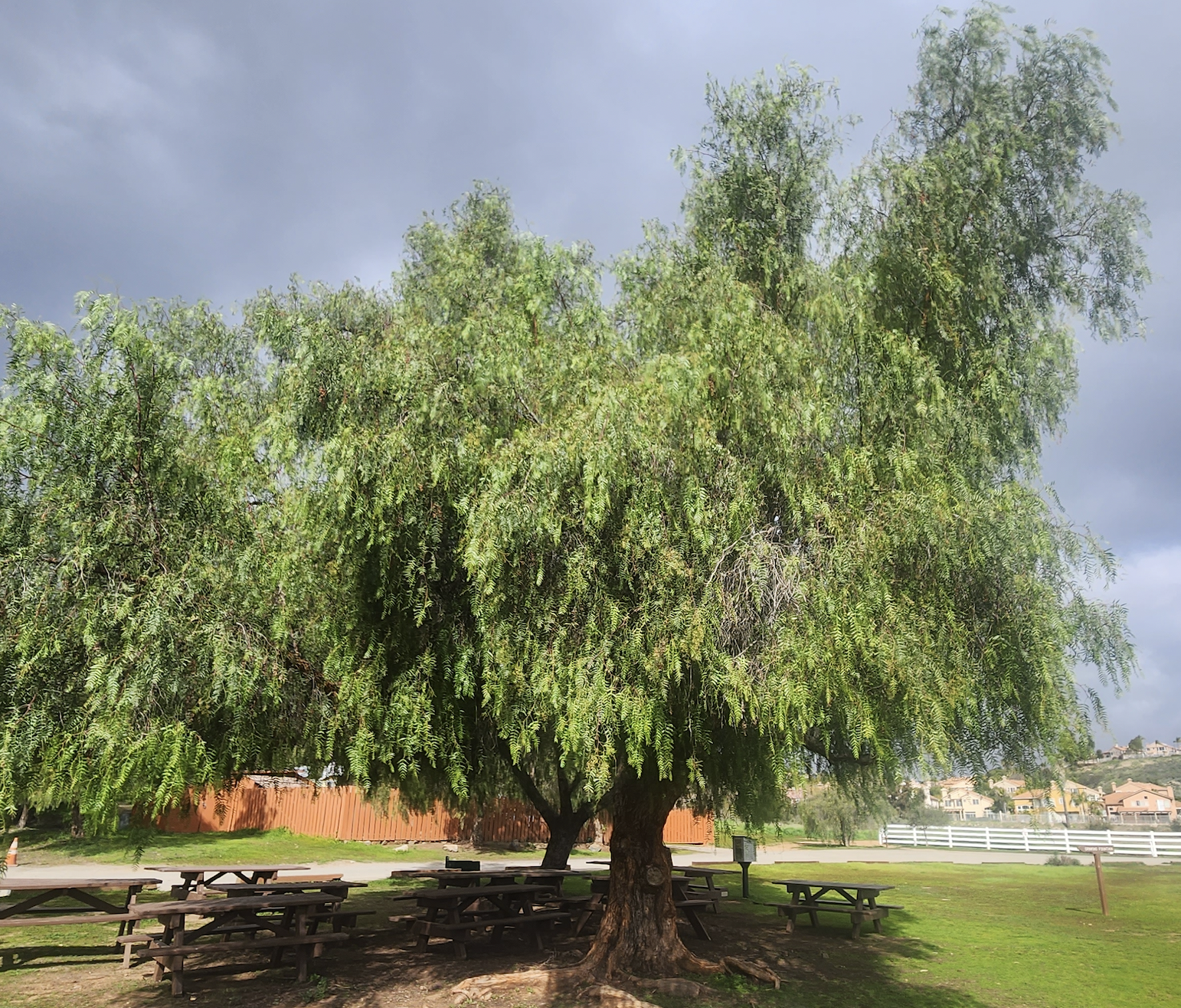
Our current project aims to monitor trees located in San Diego City Parks.
Park Trees – Link to a one-pager on the website somewhere that goes into more detail about what the project is
Short Background: San Diego County has an immense diversity of cultivated tree species in our city parks. While non-native, these trees provide clean air, habitat for wildlife, and shade that reduces urban heat islands. Our goal is to use iNaturalist to attract public interest in recognizing cultivated trees in the hopes that local governments will increasingly plant, care for, and maintain them for our urban future. Read more here >>.
iNaturalist project name: Trees in the Urban Parks of San Diego County
Instructions to Join:
- Click the link above (Note: this process is easiest to complete on desktop)
- Create or sign into your iNaturalist account.
- Press Join Project.
- Choose whatever location data option makes sense to you.
Instructions to post to project: We suggest taking all the pictures first, for observing the tree, then uploading the photos all at once.
Take the pictures you need/choose them from your camera roll. Click on Camera to take them through the app, or Photo Library to use images you have already captured. Click here to learn how to take proper photos for iNaturalist observations. We suggest taking all the pictures first, for observing the tree, then uploading the photos all at once.
Tap the “Projects” bar. Toggle the option called “Trees in the Urban Parks of San Diego” so that it is on, which should then prompt you to enter a Park Name. Type in the name of the park that you are recording the observation of the tree at.
Once the Park Name field has been filled out, hit “Details” in the top left corner, then press “SHARE” at the bottom of the screen to upload your observation to the project!
Repeat steps 2-5 for as many trees as you would like to observe in the urban park of your choice.